Establish multiple Comms Methods
Step 1: Establish Multiple Communication Methods
What You Need to Know
Different emergencies affect different communication systems. Having multiple ways to reach each other increases your chances of staying connected. The American Red Cross reports that after major disasters, text messages often go through when phone calls don't. Social media also frequently works when other systems fail because it uses different network infrastructure.
Communication Methods to Use
1. Text Messages (SMS)
Often work when cell networks are too congested for calls
Use less bandwidth than voice calls
Can queue and send when network capacity opens
Action: Make sure everyone in your family knows to text first, call second
2. Social Media
Facebook, Instagram, Twitter/X allow status updates
Family groups can see updates from everyone at once
Works on WiFi even if cell networks are down
Action: Create a private family group on your preferred platform. Use it occasionally so everyone knows how to access it.
3. Email
Works over WiFi or any internet connection
Can send from computers, tablets, or phones
Less affected by network congestion
Action: Make sure everyone knows each other's email addresses
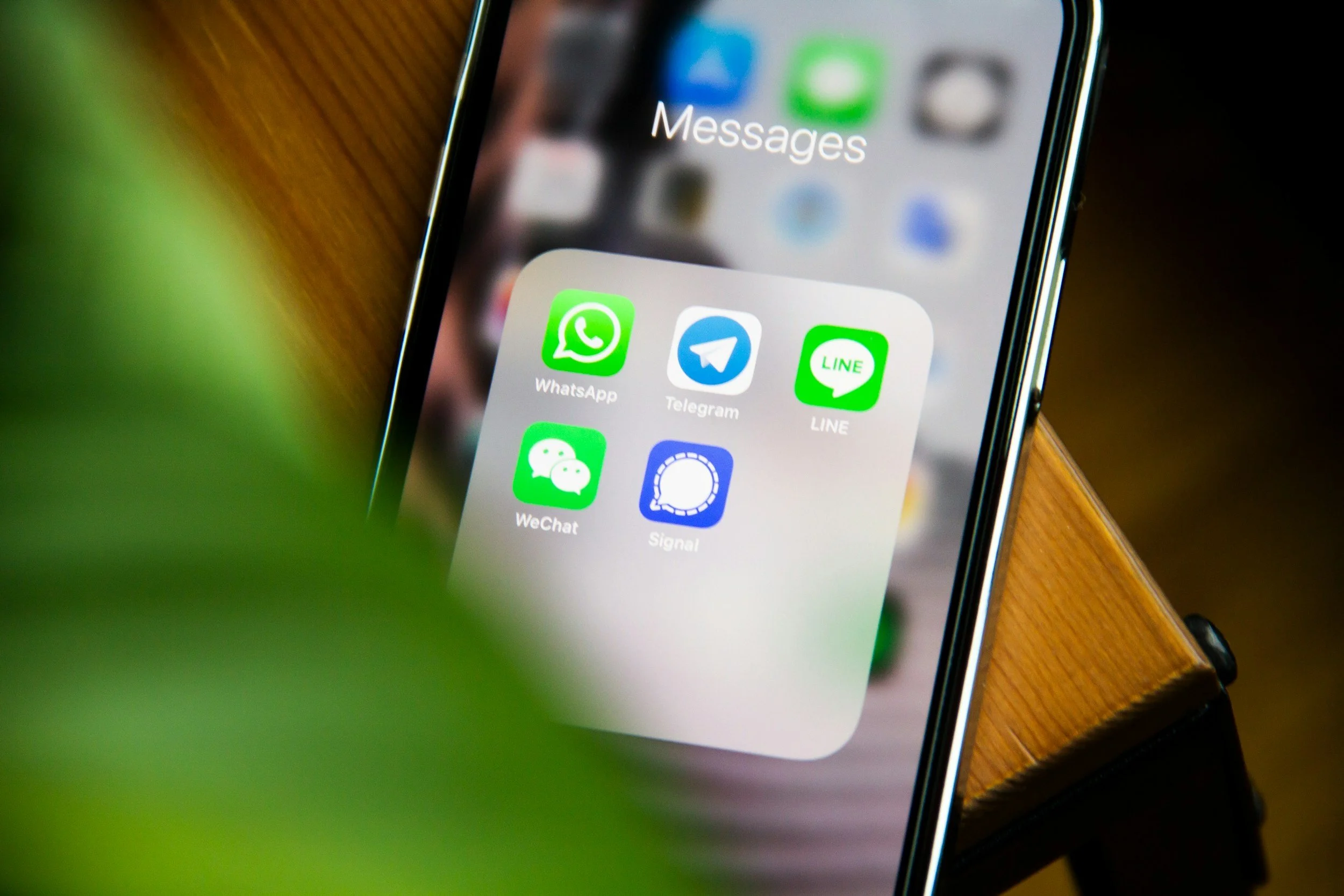
4. Messaging Apps
WhatsApp, Signal, Facebook Messenger work over WiFi or data
Can send messages, photos, and location
Often work when traditional SMS doesn't
Action: Make sure your family all has the same app and knows how to use it
5. Location-Sharing Apps
Life360, Find My Friends, Google Maps location sharing
Shows where family members are in real-time
Can work even if people can't communicate
Action: Set up location sharing for family members (with appropriate privacy boundaries)
6. Emergency Alert Systems
Sign up for local emergency alerts (many counties have systems)
Enable Wireless Emergency Alerts on your phone (usually automatic)
Action: Go to your county emergency management website and sign up for alerts
Create a Communication Priority List
In an emergency, try methods in this order:
1. Text message (most likely to work)
2. Social media status update
3. Phone call
4. Message through app
5. Email
6. Contact out-of-area person
Practice this hierarchy before you need it.
Resources
FCC Emergency Communication Tips: https://www.fcc.gov/general/preparing-emergencies
FEMA Communication Guide: https://www.ready.gov/keep-and-practice-your-plan